
Stream overlays and bots in 2026 are the visual and interactive layer that turns a raw camera feed into a branded, engaging broadcast that looks professional and retains viewers.
Quick answer: Stream overlays are graphic elements layered onto a stream. Bots are automated programs that moderate chat, trigger rewards, run commands, and drive engagement. Streamers using a full overlay plus bot stack see significantly higher chat engagement than bare streams. The full setup walkthrough - tool selection, OBS installation, design principles, advanced bot features - is inside the Stream Overlay and Bot System course.
What Stream Overlays and Bots Actually Do
Overlays brand the stream. Bots automate the chat. Together they create the signature look and interactive rhythm a top streamer uses to turn first-time visitors into subscribers. An overlay without bots looks good but feels static. Bots without overlays work hard but look amateur. The combination is the baseline for 2026 professional streaming.
Overlay and alert tools like StreamElements handle most of this setup for free.
Most creators add overlays and bots during the late Newbie or early Struggling stage of the professional streamer career path, when basic streaming setup is dialed in and the focus shifts to retention and conversion.
The 7 Essential Stream Overlay Elements
- Webcam border.
- Stream Starting Soon / BRB / Ending screens.
- Follow, sub, and bits alerts.
- Chat box overlay.
- Recent sub, donation, or raid tracker.
- Goal bar.
- Schedule ticker.
The 6 Essential Chatbot Commands
- !commands
- !social
- !discord
- !specs
- !lurk
- !uptime
The Top Stream Overlay and Bot Tools in 2026
- StreamElements - full library overlays + advanced chatbot, fully free, all-in-one cloud streamers
- Streamlabs - themes plus editor + Cloudbot, free with paid Ultra tier, theme-pack creators
- OWN3D Pro - hundreds of premium overlays + basic chatbot, paid, premium aesthetic
- Nightbot - chat only, fully free, lightweight
- Mix It Up - partial overlays + highly customizable chatbot, free, advanced power users
- Fossabot - modern chat bot, fully free, Nightbot alternative
Each tool has its own strengths and free-tier limits. The full comparison with feature-by-feature breakdown is inside Module 4 of the course.
How to Install a Stream Overlay in OBS Studio
- Download or generate your overlay pack.
- Open OBS Studio.
- Add a Browser Source.
- Layer the graphic elements.
- Test alerts.
- Save scene collection.
The exact widget URL workflow, Browser Source dimensions, layering strategy, and scene collection backup process are inside Module 5 of the course.
Stream Overlay Design Principles That Convert Viewers
- Your handle visible at all times.
- Webcam position anchored.
- Chat visible in-frame.
- Sub goal always up.
- Low-motion overlay.
- Color palette matches your clips.
Advanced Bot Features Worth Setting Up
- Loyalty points or channel currency
- Song requests
- Betting and minigames
- Auto-moderation
- Raid and host messages
- Subscribe / follow / sub-anniversary triggers
The 5 Overlay and Bot Mistakes That Tank Streams
- Generic free theme pack.
- Too many alerts.
- Chat box blocking gameplay.
- Unmoderated commands.
- Outdated information.
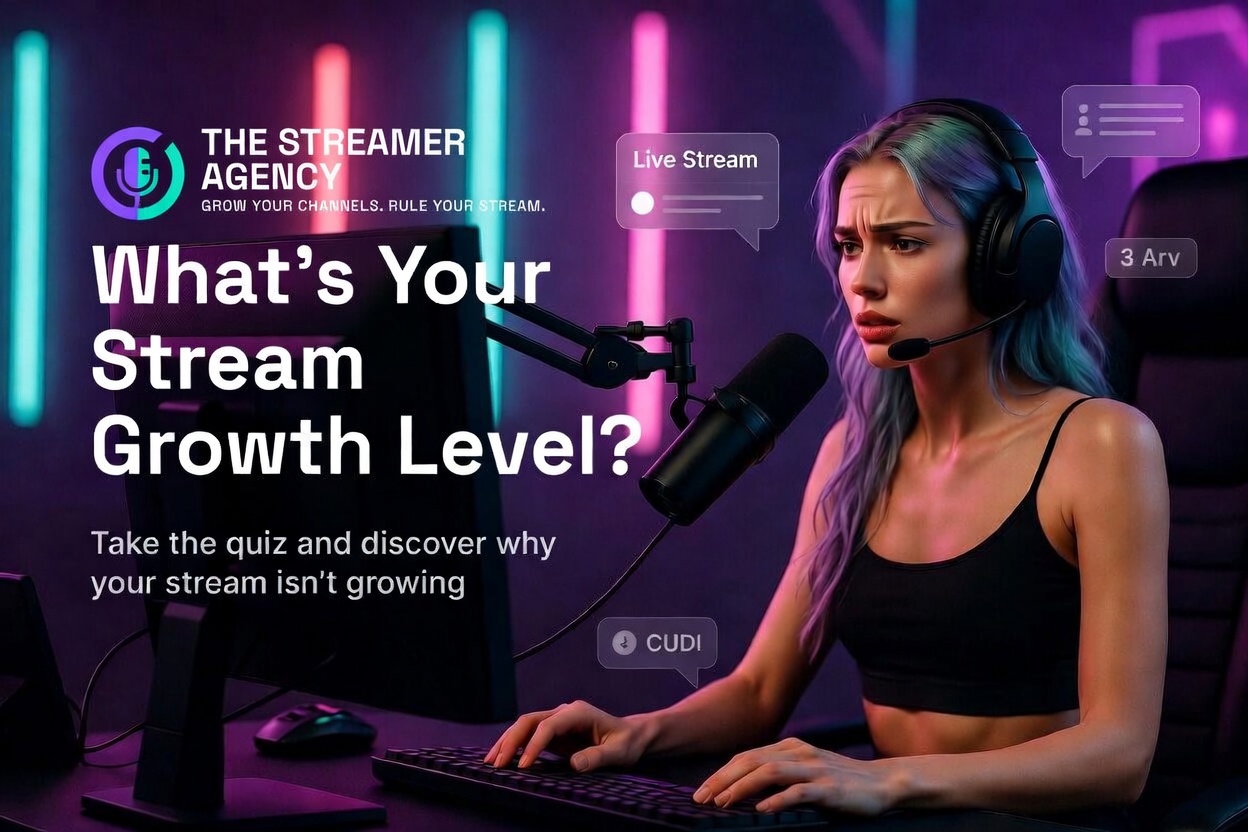
Take the 2-minute Stream Growth Assessment
Find out which earning tier you are positioned for and what is between you and the next stage. Name and Instagram handle required.
Get the Stream Overlay and Bot System course.
The course delivers tool selection, OBS installation walkthrough, the 6-design-principle execution, the 6 advanced bot features, and the 5-mistake corrections. $19.99 one-time.
If you want a custom overlay pack and bot configuration built for your niche, The Streamer Agency offers branding and overlay design for represented creators. Other agents are on one platform - they place you where they make money. We are agents on every platform. We place you where you make money. Apply to The Streamer Agency →
Further reading: Streaming Equipment 2026, How to Start Streaming in 2026, How to Grow Your Streaming Audience.