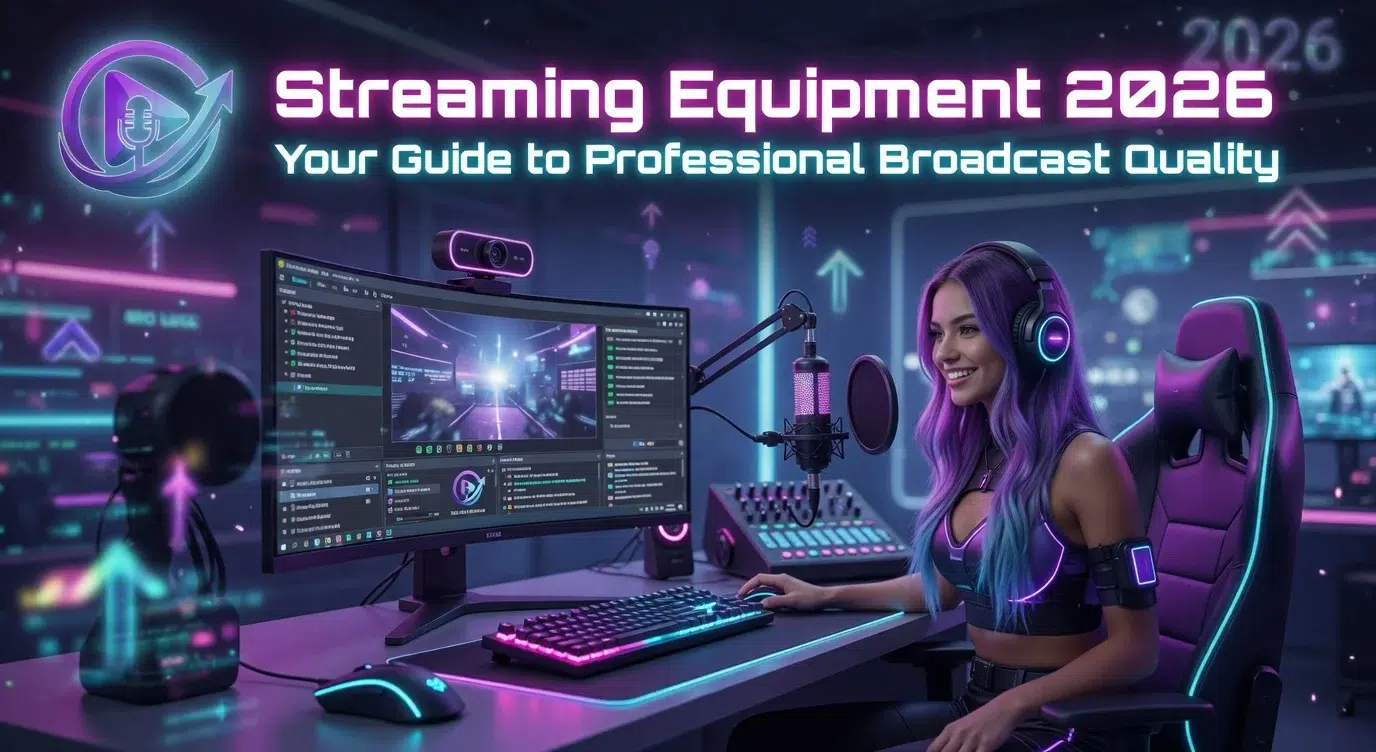
Streaming equipment in 2026 starts at zero dollars with a phone and scales to 5,000 plus dollars for a pro setup. The biggest quality upgrade comes from lighting, not the camera.
Quick answer: Core streaming equipment in 2026 is camera, microphone, computer, lighting, and internet. The biggest single quality upgrade is adding a key light, not a higher-priced camera. The full tier-by-tier component buyer's guide is inside the Streaming Setup Pro course.
The 5 Streaming Equipment Categories Every Creator Needs
- Camera.
- Microphone.
- Computer.
- Lighting.
- Internet.
Streaming Equipment by Budget Tier
The 5 budget tiers - Phone Only / Starter / Standard / Advanced / Pro - each have specific component selections that balance cost against quality at that level. Module 2 of the course delivers the full tier-by-tier buyer's guide with current prices and recommended products. The map covers Newbie through Pro stage on the professional streamer career path.
For capture cards, mics, and lighting, gear makers like Elgato document specs and setup.
The Best Streaming Camera at Every Price Point
From phone front cams to mirrorless cameras through capture cards, the camera market has a clean upgrade path. The 5-bracket camera selection guide with specific recommended products is inside Module 3 of the course.
The Best Streaming Microphone at Every Price Point
Microphone is the highest-impact audio purchase, and the 5-bracket microphone guide spans USB condensers through XLR studio chains. Module 4 delivers the specific products and the audio chain assembly walkthrough.
The Streaming PC Spec That Actually Matters
- CPU
- GPU
- RAM
- Storage
- Upload bandwidth
Each component has a current minimum-spec recommendation that handles 1080p 60fps streaming while gaming. Module 5 delivers the full spec list.
Lighting: The Streaming Equipment Upgrade That Actually Moves the Needle
The difference between a basic webcam and a high-end camera is smaller than the difference between no lighting and any lighting. The lighting progression runs from window daylight through single key light, two-point, three-point, to pro cinema setups. The exact products and price-points per stage are inside Module 6.
Internet Bandwidth Requirements by Stream Quality
Each resolution and frame-rate combination has a minimum and recommended upload bandwidth. The full table covering 720p 30fps through 4K 60fps is inside Module 7. Always run a wired ethernet connection. Wi-Fi introduces jitter that breaks reliability above 1080p 60fps.
The 5 Streaming Equipment Mistakes New Creators Make
- Overspending on the camera.
- Cheap microphone in an echo chamber.
- Wi-Fi streaming.
- Single-PC encoding.
- No capture card on console streams.
Frequently Asked Questions
What equipment do I need to start streaming in 2026?
The core streaming equipment in 2026 is five things: a camera, a microphone, a computer or phone, lighting, and a stable internet connection. You can cover all five with a phone and a window for daylight and spend nothing to start. As you grow, the order that matters is a decent microphone and a key light first, then a dedicated camera and PC. If you are setting up your first stream, our guide on how to start streaming walks the full checklist.
What is the most important piece of streaming equipment?
Lighting. A single key light does more for how you look on camera than upgrading from a basic webcam to an expensive one. Viewers read a well-lit, average camera as more professional than a dark feed from a premium sensor. Start with window daylight, add one key light, then build to a two or three point setup as you go. If you spend on one thing first, spend it here.
Do I need an expensive camera to stream?
No. The jump from a phone or basic webcam to a high-end camera is a smaller visible upgrade than most beginners expect, and it is smaller than the jump from no lighting to any lighting. A mid-range webcam in good light beats a premium camera in a dark room every time. Put your early budget into a light and a microphone, and treat the camera as a later upgrade once you have proven you will stream consistently.
What is the best microphone for streaming?
For most streamers, a USB condenser microphone is the best balance of price and quality, and it is the single highest-impact audio purchase you can make. Clean audio keeps viewers watching more than video quality does, since people will forgive a soft picture but not harsh or echoing sound. Advanced creators move to an XLR studio chain for more control, but that is an upgrade, not a starting requirement. Treat a room with soft furnishings as part of the setup, because an echo chamber ruins even a good microphone.
Do I need a capture card to stream?
Only for certain sources. If you stream from a console like a PlayStation or Xbox, or you want to use a mirrorless or DSLR camera as your webcam, you need a capture card to bring that video into your PC. If you stream from a phone or straight from a gaming PC with software like OBS, you do not need one. So the answer depends on your setup, not your budget.
Can I stream over Wi-Fi, or do I need ethernet?
Use wired ethernet whenever you can. Wi-Fi introduces jitter and dropped packets that break stream reliability above 1080p at 60fps, and a single stutter can cost you viewers. A wired connection gives you the stable, consistent upload that live streaming depends on. If ethernet is not possible, get as close to the router as you can and stream at a lower bitrate to stay stable, but treat that as a temporary workaround, not the plan.
How much does a streaming setup cost in 2026?
It ranges from nothing to over 5,000 dollars, and the honest headline is that most creators never need the high end. A phone with good light runs a real, monetizable stream at zero cost. Spending climbs as you add a dedicated microphone, a camera, lighting, and a stronger PC, but each jump should follow proven consistency, not come before it. The full tier-by-tier breakdown with current prices lives in the Streaming Setup Pro course.
Should I buy all my gear at once or upgrade over time?
Upgrade over time, not all at once. Buying a full rig before you have proven you will show up is the most common money mistake new streamers make. Start with what you already have, add the highest-impact pieces as your channel grows, and let real traction justify each purchase. If you want a second opinion on what to buy for your exact stage, The Streamer Agency runs equipment audits as part of creator onboarding.
Take the 2-minute Stream Growth Assessment
Find out which earning tier you are positioned for and what is between you and the next stage. Name and Instagram handle required.
Get the Streaming Setup Pro course.
The course delivers the full tier-by-tier buyer's guide, camera/mic/PC/lighting selection per budget, network optimization protocol, and the 5-mistake corrections. Pairs with the Beginner Setup course (bundle for $97). $19.99 one-time.
If you want a setup review from a team that has built hundreds of streamer rigs, The Streamer Agency offers equipment audits as part of creator onboarding. Other agents are on one platform - they place you where they make money. We are agents on every platform. We place you where you make money. Apply to The Streamer Agency →
Further reading: How to Start Streaming in 2026, How Do Streamers Make Money in 2026, How to Grow Your Streaming Audience.