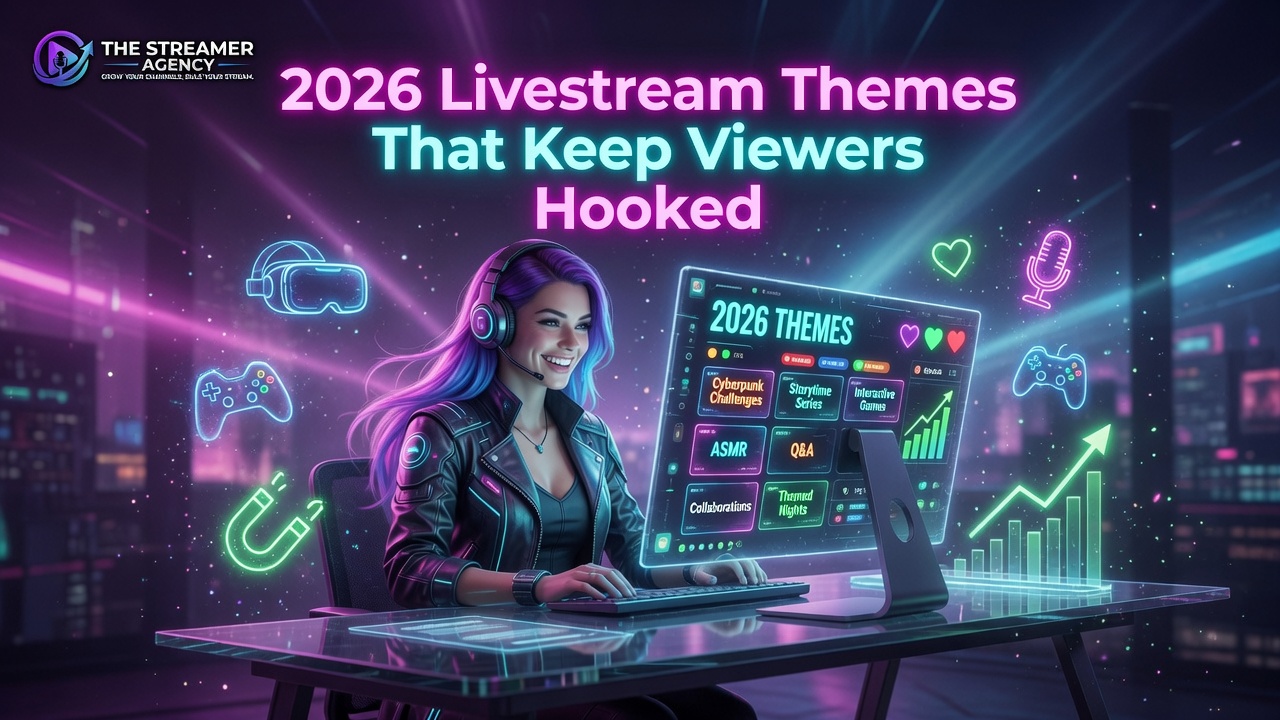
The livestream themes 2026 viewers actually stay for are interactive viewer-controlled streams, co-working and study-with-me sessions, and fitness and movement streams. All three run on free overlay tools like StreamElements and Canva, so you can test a format this week without spending a dollar.
Quick answer: The strongest livestream themes for 2026 share one trait: they give the viewer a reason to participate instead of just watch. The three formats holding attention right now are interactive viewer-controlled streams, where chat votes and shapes the broadcast; co-working and study-with-me streams, where viewers work alongside you; and fitness and movement streams, where the audience trains together. Each runs on free overlay packs from StreamElements, StreamSpell, Canva, or Hexeum plus OBS or Streamlabs. Pick one format, run it for a few streams, and read the engagement. For help turning a working format into a real channel, see the professional streamer career path.
A gameplay feed by itself does not hold a 2026 audience. Viewers have more options than they can watch and they leave the second a stream stops giving them a reason to stay. The themes below all solve that the same way: they pull the viewer in instead of leaving them on the outside watching.
Here are the three formats worth testing and the free tools that run them.
Interactive Viewer-Controlled Streams
The format getting the most traction is handing partial control to chat. Viewers vote on game choices, camera angles, or in-game actions through chat commands, polls, and widgets. The effect is direct: a viewer who shaped a decision is invested in the outcome, and invested viewers stay longer and come back. The more the audience feels they are steering the stream, the harder it is for them to click away.
Most of the theme and overlay setups here run on free tools like StreamElements.
Tools That Run It
You need overlays that show viewer input clearly, and you do not need to code. StreamElements offers free Super Themes with alerts and premade overlays you can recolor and restyle. StreamSpell carries over 1,500 overlays, widgets, and reactive elements updated weekly, working with OBS, Streamlabs, Twitch, YouTube, Facebook, TikTok, and Elgato. Start with a simple two-option vote, then add complexity as you get comfortable running it live.
Co-Working and Study-With-Me Streams
This one runs quiet and works anyway. Viewers tune in to do their own work, writing, coding, studying, alongside a streamer doing the same. The draw is shared productivity and low-pressure company. These sessions stay calm: ambient music, a focused atmosphere, and occasional check-ins with chat.
Setting One Up
Keep the layout clean. A webcam overlay showing you working, a timer or progress bar, and not much else. Canva offers free, minimal livestream templates that suit the aesthetic, and Hexeum publishes a large free overlay collection including BRB and Starting Soon screens that fit co-working breaks. StreamSpell has a Spotify widget for OBS so you can share your playlist without copyright trouble. The whole point is consistency and a tone that makes viewers feel like they are working next to a friend. It pairs well with the formats in live streaming content ideas that keep viewers coming back.
Fitness and Movement Streams
Fitness streams pull people who want to move in a community without going to a gym. The range is wide: yoga, stretching, dance workouts, even movement-based rhythm games. This format usually drives high chat activity because viewers cheer each other on and post their own progress.
Setup and Overlay Tips
Use a full-body camera setup with a tripod placed far enough back to show your whole frame, good lighting, and a clean background. Keep overlays minimal so they never block your movement. A small chat box or a goal widget is enough. StreamElements alerts can be resized and toned down so a new subscriber notification does not interrupt the workout, and StreamSpell reactive overlays can animate on a milestone like finishing a set. The clips this format produces travel well on short-form, which we cover in short-form video for streamers in 2026.
Free Overlays, by Platform
No matter the theme, overlays are what make a channel look professional, and in 2026 the good options are free.
- StreamElements free Super Themes: alerts, premade overlays, and BRB, Starting Soon, and ending screens. Works with Twitch, YouTube, and Facebook.
- StreamSpell: 1,500-plus overlays updated weekly, adding TikTok and Elgato support on top of the majors.
- Hexeum: a large platform-agnostic free overlay collection that works with any streaming software.
- Canva: free, editable templates for overlays, thumbnails, and intros you can finish in minutes.
If you stream to multiple platforms, pick a provider that covers all of them so you are not rebuilding scenes per service. Everything here runs on OBS or Streamlabs, the two most common encoders.
How to Pick Your Theme
Match the format to your personality and your audience. Interactive streams fit gaming and variety channels. Co-working fits creators whose viewers value focus and quiet community. Fitness fits high-energy creators building a health-minded crowd. Do not theorize about it: run each format for a few streams and read the numbers, chat activity and average watch time, then commit to the one that performs.
The format gets you in the door. What you do with a working format, how you build it into placements and income, is where representation comes in. We lay out the difference in the benefits of working with a streamer agency in 2026.
Frequently Asked Questions
What are the best free livestream overlays for 2026?
StreamElements free Super Themes cover alerts, overlays, and BRB screens. Hexeum publishes a large free collection that works with any software. Canva offers free editable templates for overlays, thumbnails, and intros. All three are solid for a budget-conscious streamer.
Can a new streamer run interactive viewer-controlled streams?
Yes. Chat polls and viewer-controlled actions set up quickly with free overlays from StreamElements or StreamSpell. Start with a simple vote between two options and expand once you are comfortable running it without it pulling focus from the stream.
How do I choose the right livestream theme for my audience?
Consider your personality and what your viewers already enjoy, then test. Interactive suits gaming and variety, co-working suits focus-oriented communities, fitness suits energetic creators. Run each for a few streams and compare chat activity and watch time rather than guessing.
Do I need a special camera for fitness streams?
A standard webcam works with good lighting and enough space. For full-body movement, a wide-angle webcam or a camera on a tripod set farther back gives a clear view, and a second camera can handle close-ups. The overlay tools above work with any camera setup.
Can I combine these themes on one channel?
Yes, and a recognizable rotation can work in your favor as long as your branding stays consistent across them. Just give each format a few dedicated streams before judging it, so you are measuring the theme and not a one-off bad night.
Choosing livestream themes for 2026 takes no expensive software and no advanced skills. Interactive, co-working, and fitness formats all run on free overlays and a standard encoder. Test one at a time, listen to your audience, and let your personality carry it. Other agents are on one platform - they place you where they make money. We are agents on every platform. We place you where you make money. Apply to The Streamer Agency.
Further reading: live streaming content ideas that keep viewers coming back, short-form video for streamers in 2026, streamer agency benefits in 2026, and the professional streamer career path.