Updated August 2026. Gear advice below applies to any mobile-first platform. As of August 21, 2026 The Streamer Agency no longer places hosts on Bigo Live. The record: The Best Bigo Live Agency Is an Oxymoron.
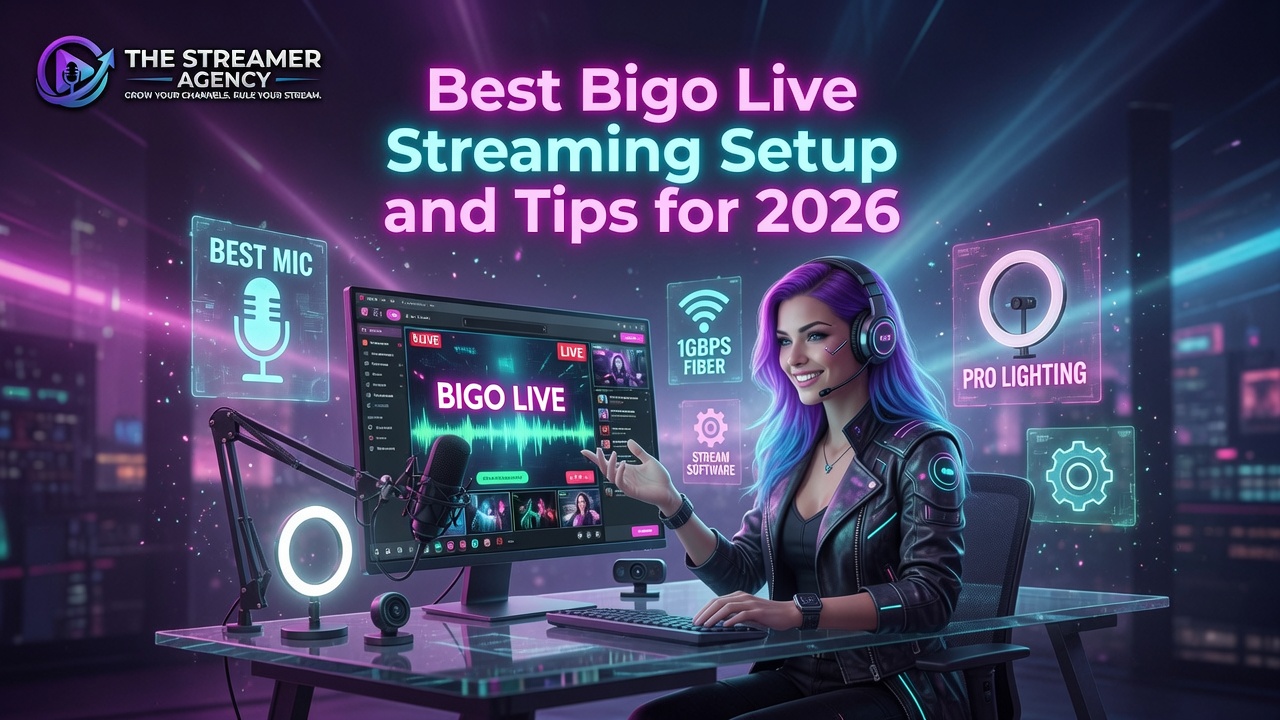
A solid Bigo Live streaming setup for 2026 starts with a recent smartphone, an external microphone, and one good light source. You can run a clean broadcast for under $1000, and most hosts begin with just a phone and a ring light, then upgrade audio and lighting as the streams start paying.
Quick answer: The core Bigo Live streaming setup is three pieces: a phone running iPhone 12 or newer or Android 10 or newer with a stable connection, an external mic so your voice sounds clean, and lighting from a window or a ring light. For higher-quality broadcasts you can stream from a PC using the Bigo Live Connector plus OBS. Gear gets you in the door; consistency and interaction grow the room. If you want help turning a good setup into real placement, start with the professional streamer career path.
What Bigo Live Is and How You Can Broadcast
Bigo Live is one of the largest live-streaming platforms in the world, with roughly 600 million users across every continent. You can go live from a phone or from a computer, which gives you room to start cheap and scale up. Hosts stream chatting, dancing, singing, gaming, and entertainment shows, and viewers interact in real time through chat, gifts, and live video.
You can review the current broadcasting features on the official Bigo Live site before setup.
The mobile app runs on iOS and Android. The PC path gives you sharper output and more control over how your stream looks. You do not have to choose forever; plenty of hosts start on a phone and move to a PC setup once they know they are committed.
The Three Pieces of Gear That Matter
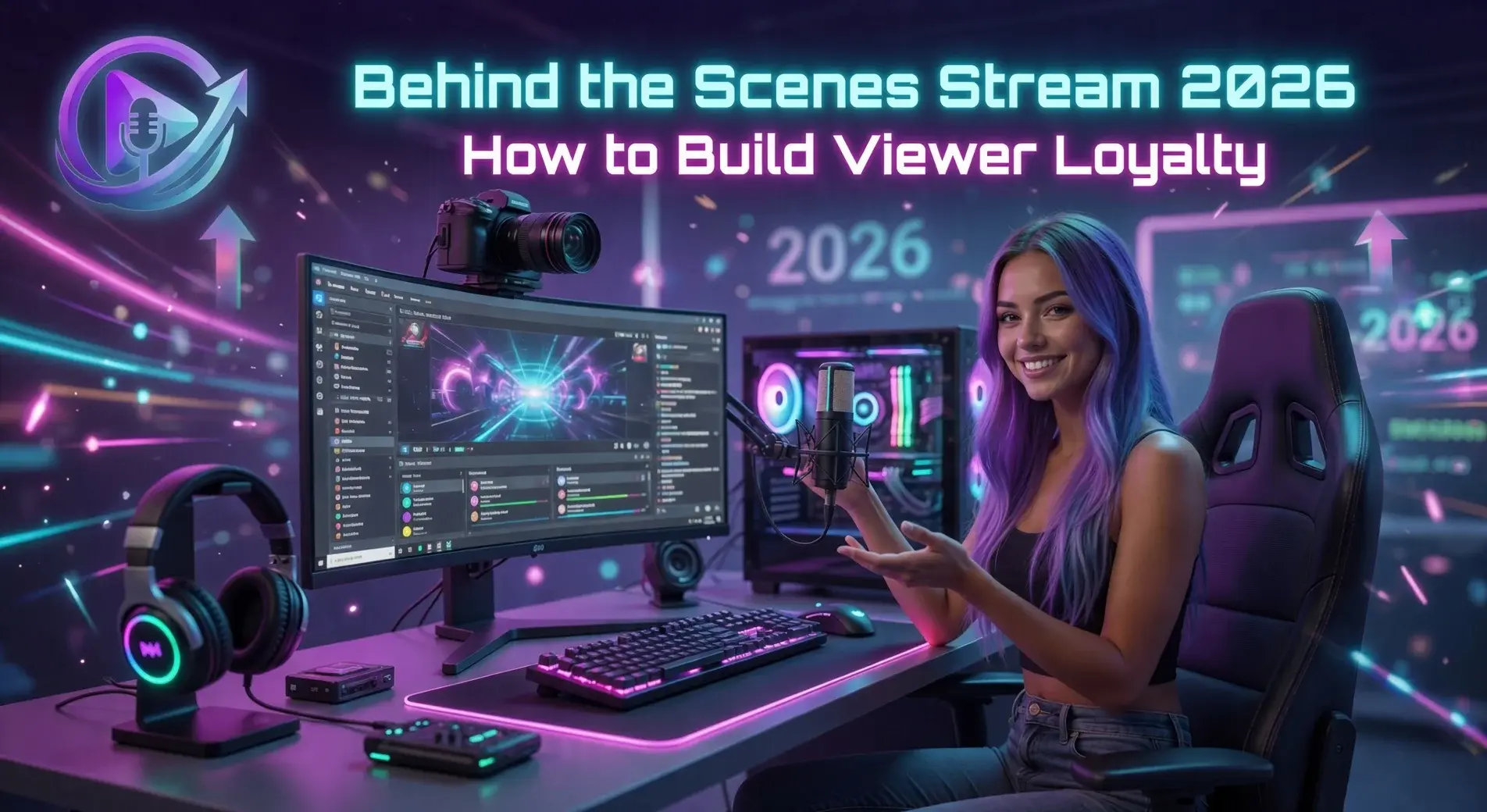
You do not need a studio. You need three things done well: camera, audio, and light. Get those right and your stream will look more professional than most of the rooms you are competing with.
Phone: Your Camera and Your Base
Bigo was built for mobile. A phone running iPhone 12 or newer, or Android 10 or newer, shoots sharp enough video to carry the visual side of your stream. The one thing that matters more than the camera is the connection. Use Wi-Fi or a strong 4G or 5G signal so you are not dropping mid-broadcast. A dropped stream loses the room.
Microphone: The Upgrade Viewers Notice First
Viewers tolerate slightly soft video. They leave over bad audio. An external mic that plugs into your phone or connects over Bluetooth makes your voice sound clean and present. Even an inexpensive lapel mic is a clear step up from the phone's built-in microphone. If you buy one thing first, buy this.
Lighting: The Cheapest Big Win
Light is the fastest way to look better on camera. When you can, sit facing a window and use daylight. For evening streams or a dim room, a small ring light or softbox in front of you removes shadows and brightens your face. One good light source in the right place does most of the work.
Streaming Bigo Live From a PC
When you want more control over layout, overlays, multiple cameras, or game and screen capture, move to the PC version. Bigo published a full PC tutorial in 2026. You download the Bigo Live Connector and Streamer software and pair it with OBS, the free Open Broadcaster Software, for scene management.
Setup is a one-time job: link your Bigo account to the Connector, then point OBS at Bigo's servers for your video and audio. After that, going live is a single click, at higher resolution and frame rate than most mobile streams. The tutorial also walks through common connection fixes so you can solve them fast if something hiccups during a broadcast.
Tips That Keep Viewers in the Room
Gear gets people to stop. Interaction makes them stay. Open with a question that pulls people into the chat. Run polls and let viewers pick your next activity. Bring guests on for collaborative segments, run small challenges, play games with the room, and give shoutouts to the people who show up and participate. The goal is a shared experience, not a one-way broadcast.
Consistency is the other half. Stream at the same times each day or week so your regulars know when to find you. A predictable schedule builds habit, and habit is what grows a community on its own. For more on this, see our guide to starting streaming in 2026.
Building a Setup on a Budget
New hosts worry about cost, and they overestimate it. A 2026 guide on budget livestreaming shows you can build a professional-grade station for Twitch or YouTube for under $1000, and the same logic applies to Bigo, especially if you already own a compatible phone.
Your two real expenses are a good external mic and a light. Many hosts start with nothing more than a phone and a ring light, then upgrade as the streams earn. The app is free to download and broadcast from, so your spend goes entirely into audio and lighting. If you go the PC route, you may want a webcam, though plenty of hosts use their phone as the camera through the Connector software.
When to Upgrade
Do not buy ahead of your streaming. Start with what you have, fix audio first, then light, then consider the PC path once you know you are in it for the long haul. Reinvesting your early Bigo earnings into the next piece of gear keeps your costs tied to real progress instead of a guess. If you want a wider view of where the money comes from across platforms, read how streamers make money in 2026.
Frequently Asked Questions
How do I get more viewers on Bigo Live?
Lead with interaction: open with a question, run polls, host guests, play challenges and games, and shout out active viewers. Then stay consistent with your schedule so regulars know when to come back. Engagement plus a steady time slot grows a room faster than gear alone.
What equipment do I need for Bigo Live?
At minimum a phone, iPhone 12 or newer or Android 10 or newer, with a stable connection. For better quality, add an external microphone and a light, whether that is a window or a ring light. For PC streaming, download the Bigo Live Connector and OBS.
Can I stream Bigo Live from my computer?
Yes. The PC version supports higher resolution and more control over your layout. You pair the Bigo Live Connector and Streamer software with OBS to go live from your computer. The official Bigo PC tutorial covers the full setup step by step.
Do I need a fast internet connection for Bigo Live?
Stability matters more than raw speed. Wi-Fi or a strong 4G or 5G signal works well for mobile. For PC streaming, a wired Ethernet connection gives you the most reliable broadcast.
How much does a good Bigo setup cost?
You can run a clean broadcast for well under $1000, and many hosts start with just a phone and a ring light. Your main spend is a decent mic and a light. Upgrade gradually as your streams begin to earn.
A good setup is the floor, not the ceiling. The same phone, mic, and light carry you on TikTok Live, Kick, or any cam platform that publishes its payout. The hosts who win pair clean audio and light with consistent, interactive streaming, and they let representation handle the business side. We stopped handling that side on Bigo in August 2026, and we explain why here. Other agents are on one platform, so they place you where they make money. We are agents on every platform. We place you where you make money. Apply to The Streamer Agency.
Further reading: the professional streamer career path, how to start streaming in 2026, how streamers make money in 2026, the benefits of working with a streamer agency, the Bigo Live host tier chart and what it pays, how to leave a Bigo Live agency.